
 01
01Time and expense capture
Log billable time and expenses against the case as work happens.
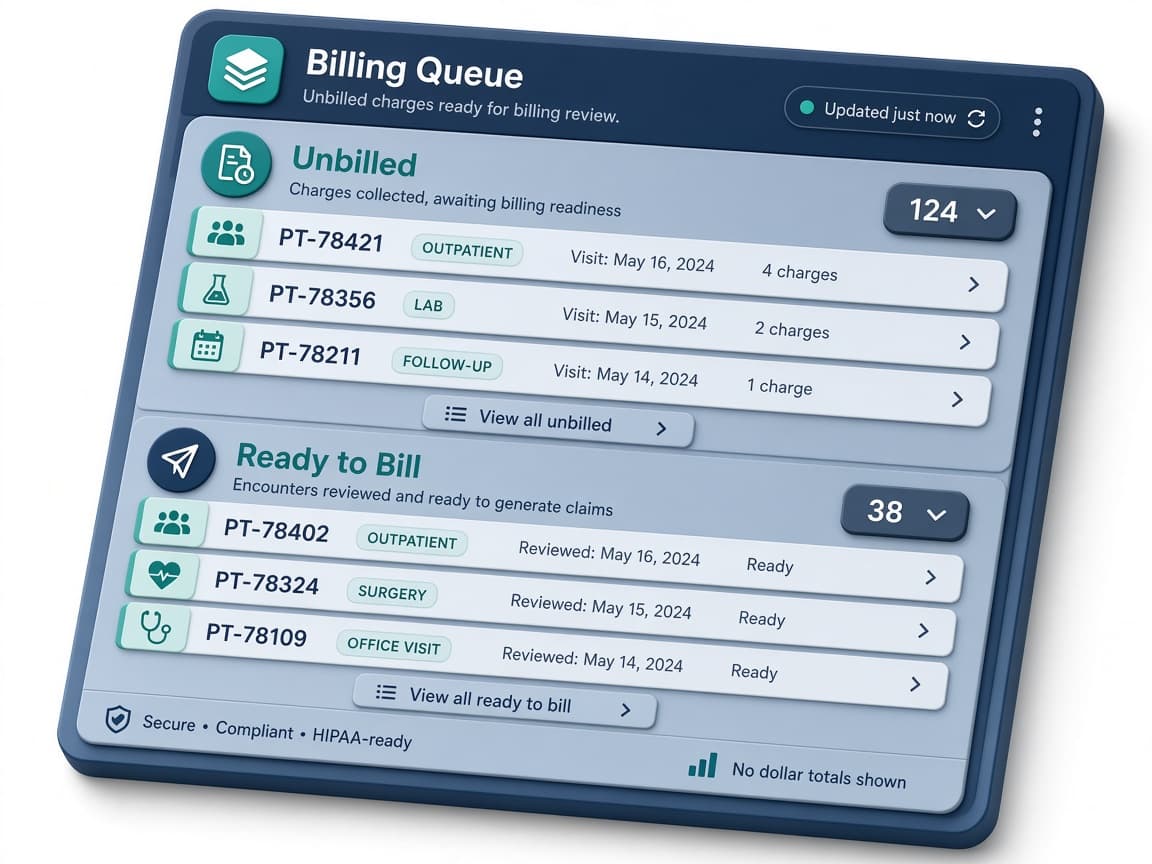
Billable work moves through Unbilled and Ready to Bill. Rejected items keep a reason and can be resubmitted. Disability and return-to-work status, RTW dates, and MMI stay on the same case.
Nouns match the product: Unbilled, Ready to Bill, rejection reason, resubmit, and audit trail.
 01
01Log billable time and expenses against the case as work happens.
02Items waiting for review stay visible on the case instead of disappearing into a spreadsheet.
 03
03Reviewed items move forward when they are ready for invoicing.
 04
04A rejected item keeps its reason and can be resubmitted using the product’s own review labels.
05Work status, return-to-work dates, and MMI dates sit on the same case file as the billable work.
 06
06Billing changes are recorded so internal review and client questions have a history to follow.
Choose a plan. Larger plans are reviewed before a workspace is created.